A general chatbot
A general chatbot like ChatGPT can read public pages, such as the restaurant website. It does not see live tables, the party size you can seat, or the guest's reservation. It does not book the table.

For restaurant owners and managers
Chattif connects to the restaurant's reservation system and answers on the restaurant's own WhatsApp number. It checks live availability for the party size and the time, and completes the reservation. It also answers menu, hours, and location questions from the restaurant's own information, including during service.
Your reservation system · Live tables · Completes the booking · Your team can take over
The difference
Answering from a public website is something a general chatbot like ChatGPT can do. The useful step is the one only the restaurant has: its own reservation system.
A general chatbot like ChatGPT can read public pages, such as the restaurant website. It does not see live tables, the party size you can seat, or the guest's reservation. It does not book the table.
Chattif connects to the restaurant's reservation system through its connector framework. It checks live availability for the party size and the time, books the table, and sends the confirmation. Menu, hours, and dietary notes come from the restaurant's own information.
You can require the team to approve a reservation before it is sent. Allergy questions go to the staff to confirm. Staff can take over the chat from the inbox at any time.
For the floor
Guests still write while the floor is full. Chattif answers from the restaurant's own information, and it can finish the reservation while they are still in the chat.
Menu, hours, parking, and private events get a reply when the phone at the stand is busy. Chattif answers from the information you have given it.
Hours, the menu, and where to park can be answered in WhatsApp, so the host repeats them less often on the phone.
Chattif checks live availability for the party size and the time, and completes the reservation in the restaurant's system. You can require the team to approve it first.
What guests ask
Reservations come from the restaurant's system: live tables, party size, and time. Menu and dietary answers come from the notes you provide.
Guests ask what is on tonight, when you open, and what a dish is like. Chattif answers from the menu and hours you provide. When they want to see a dish, it sends the photos you have provided.
Chattif relays the dietary notes you have entered. It does not decide that a dish is safe. An allergy question goes to the staff to confirm before the guest is told the kitchen has cleared it.
It checks the party size and the time in the restaurant's reservation system and completes the booking. The guest gets a confirmation in the chat. You can require the team to approve the reservation before it is sent.
How to get there, where to park, and whether a private room is free. When the reservation system has the room, Chattif can book it. The team confirms the menu for a private event.
If a guest writes in another language, Chattif replies in that language, unless your rules keep the floor to one.
Staff take over from the portal inbox at any time, with the full conversation in front of them.
Sample conversations
Linden is not a real restaurant. In a live chat, table availability and the confirmation come from that restaurant's reservation system. Dietary notes are the ones the restaurant entered.
A guest asks about peanuts, then asks to book. Chattif checks live availability, books the table, and sends the allergy question to the kitchen.
Linden
online
Today
Hi. Table for 4 this Friday at 7? One of us is allergic to peanuts. Does the tomato pasta have any?
6:12
I'll check Friday at 7 for 4 in the reservation system, and I'll read the tomato pasta from the menu notes.
6:12
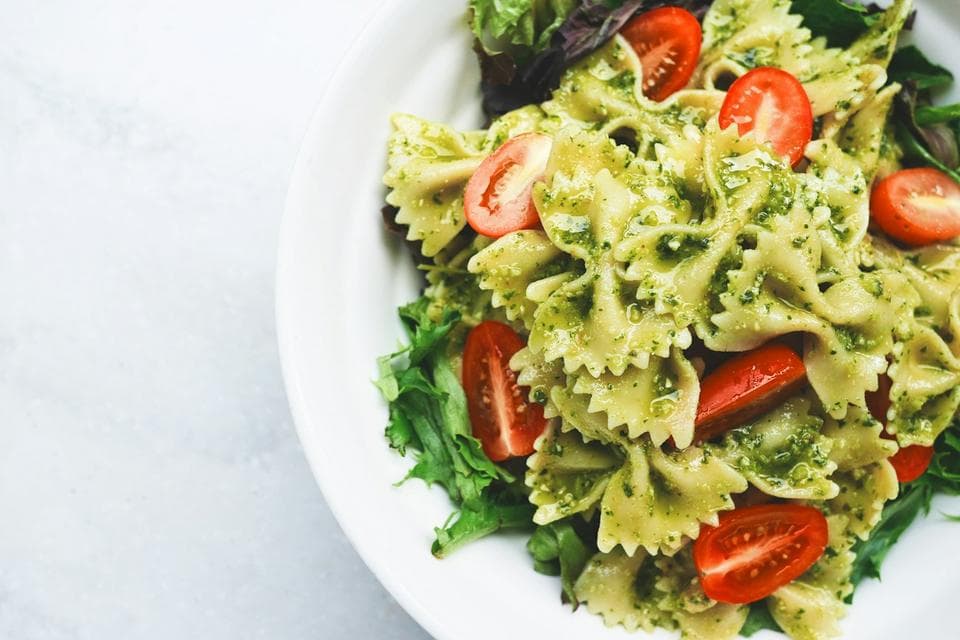
Friday at 7 is open for 4. Tomato pasta. The menu notes list no peanuts. Because this is an allergy, the kitchen confirms it before the dish is served.
6:12
Please book it, and ask the kitchen. Luis Ortega.
6:13
Booked. Confirmation LN-2204. Table for 4, Friday at 7, Luis Ortega. The reservation is in the restaurant's system. The peanut question is with the kitchen to confirm.
6:13
Before they arrive, a guest asks about parking. Chattif reads their reservation in the restaurant's system.
Linden
online
Today
We're on our way for Friday. Is the table still held, and where do we park?
6:40
I have your reservation in the restaurant's system: confirmation LN-2204, table for 4, Friday at 7. Parking is in the lot behind the restaurant.
6:40
Can the private room take 12 next month?
6:41
Tell me the date and I'll check the private room in the reservation system. The team confirms the menu for a private event.
6:41
Photos in the chat: Unsplash
FAQ
Yes. You connect the restaurant's own WhatsApp Business number. Guests message the restaurant, not a shared Chattif line.
A general chatbot like ChatGPT can answer from public pages, such as a restaurant website. Chattif connects to the restaurant's reservation system. It uses live table availability, party size, and time, and it books the table. That is the step the public page does not have.
Yes. It checks live availability in the restaurant's reservation system for the party size and the time, completes the reservation, and sends the guest a confirmation. You can require the team to approve a booking before it is sent.
Chattif repeats the dietary notes the restaurant has entered. It does not decide that a dish is safe. An allergy question goes to the staff to confirm before the guest is told the kitchen has cleared it.
The menu, hours, location, parking, and private events, from the information you provide. It does not invent a dish, a price, or a rule.
Yes. Chattif sends the photos you have provided, in the chat.
Chattif replies in the guest's language, unless your rules say to use one language.
Yes. From the portal inbox, at any time, with the full conversation there.
WhatsApp is the guest line this page is about. Chattif also answers text messages, email, and phone calls.
Your restaurant account is ready as soon as you sign up. Then you set up the assistant and WhatsApp.
Get startedGet started
Tell us what the host stand should handle, then connect WhatsApp. No approval step.