A general chatbot
A general chatbot like ChatGPT can read public pages, such as the store website. It does not see this store's size chart, which color is in stock in a large, or the checkout link for that row.


For clothing stores
A customer sends a photo of a top, pants, a skirt, a dress, or a jacket and asks what size to order. Chattif reads the store's size chart, sends photos of the garments in stock, and shares the checkout link.
Your size chart · Garment photos · Checkout link · Your team can take over
A customer sends a top and a size question. Chattif reads the size chart, shows the garment, and sends checkout.
Sample. Elm Apparel is not a real store. The size, the price, and the stock come from that store's size chart and catalog. The checkout link is the one stored on the catalog row.
The difference
A general chatbot like ChatGPT can describe clothes from a public page. The useful step is the one only the store has: its size chart, its stock, and the checkout link on the catalog row.
A general chatbot like ChatGPT can read public pages, such as the store website. It does not see this store's size chart, which color is in stock in a large, or the checkout link for that row.
Chattif reads the store's size chart and catalog through its connector framework. It suggests the size the chart gives, sends the garment photos you provided, and shares the checkout link stored on the row. A Shopify checkout link is used when that is the link on the row.
A fit question the chart does not cover goes to the staff. Staff can take over the chat from the inbox at any time. The photos in the chat are the garments.
For the shop
Customers still write while the floor is busy, asking if a medium will fit and whether the skirt is in stock. Chattif answers from the chart and the catalog, with a photo of the garment.
A note that the current size is tight is read against the size chart you entered. Chattif does not guess a size the chart does not list, and it does not treat another brand's number as yours.
Stock, color, and price come from the catalog row. The photo in the chat is the product photo you provided. Customers can send a photo of a top, pants, a skirt, a dress, or a jacket.
When they pick the pieces, Chattif sends the checkout link stored on those rows. If the store uses Shopify, that link is the Shopify checkout. The order is placed on the store's own checkout.
What customers ask
Sizes come from the chart you entered. Stock, color, and price come from the catalog. The checkout link is the one on the row.
A customer says the medium is tight, or gives a measurement. Chattif reads that against the chart and names the size the chart lists. If the chart has no row for it, the question goes to the staff.
A medium at another brand is not assumed to be a medium here. Chattif uses the comparison notes you entered for this brand, and it says so when it does.
Tops, pants, skirts, dresses, and jackets. It answers whether that color and size are in stock, and it sends the garment photo from the catalog. It does not invent a color or a count.
A skirt can get a top or a jacket that the catalog lists with it. Each piece is shown as a garment photo. Chattif waits for a yes before adding the extra piece.
Order status comes from the order record the store has connected. Return and exchange rules are the notes you entered. An exchange the notes do not clearly allow goes to the staff to confirm.
Staff take over from the portal inbox at any time, with the full conversation and the garment photos in front of them.
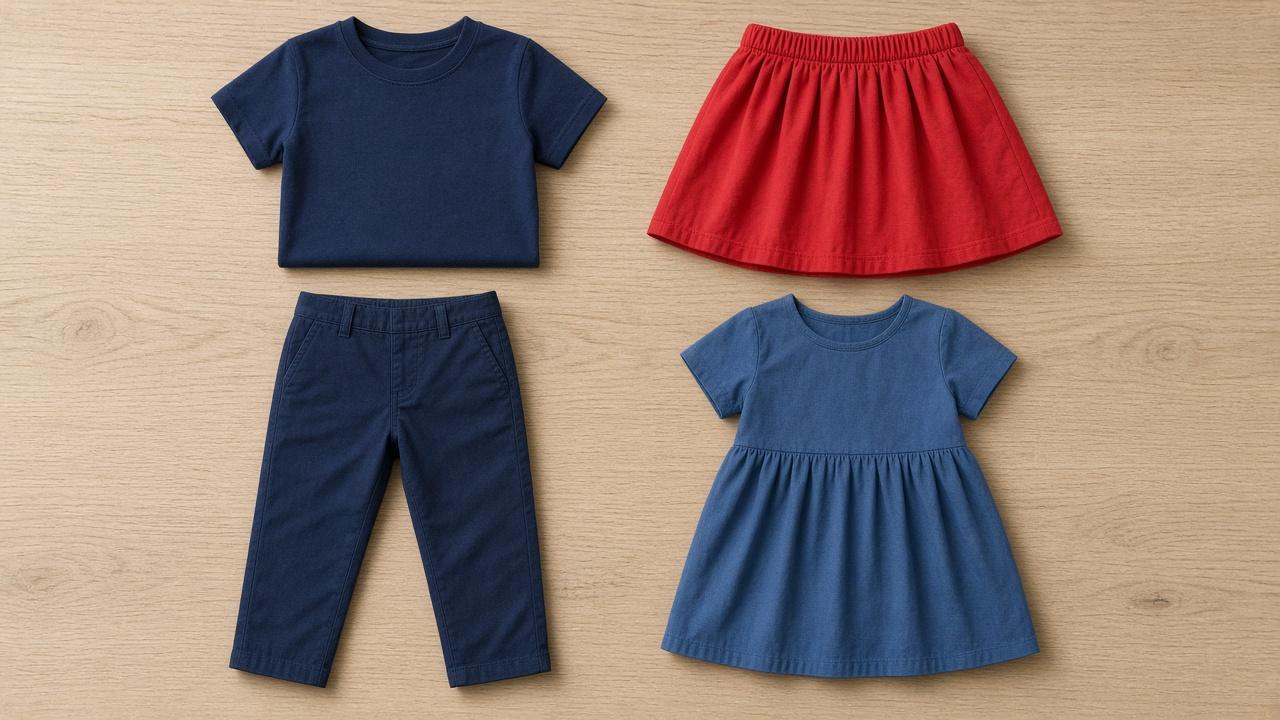
Photos in the chat
Elm Apparel is not a real store. In a live chat, the size, the price, and the stock come from that store's size chart and catalog. The photos are garments laid flat.
A customer sends a skirt, gets a size and a matching top, and picks both.
Elm Apparel
online
Today
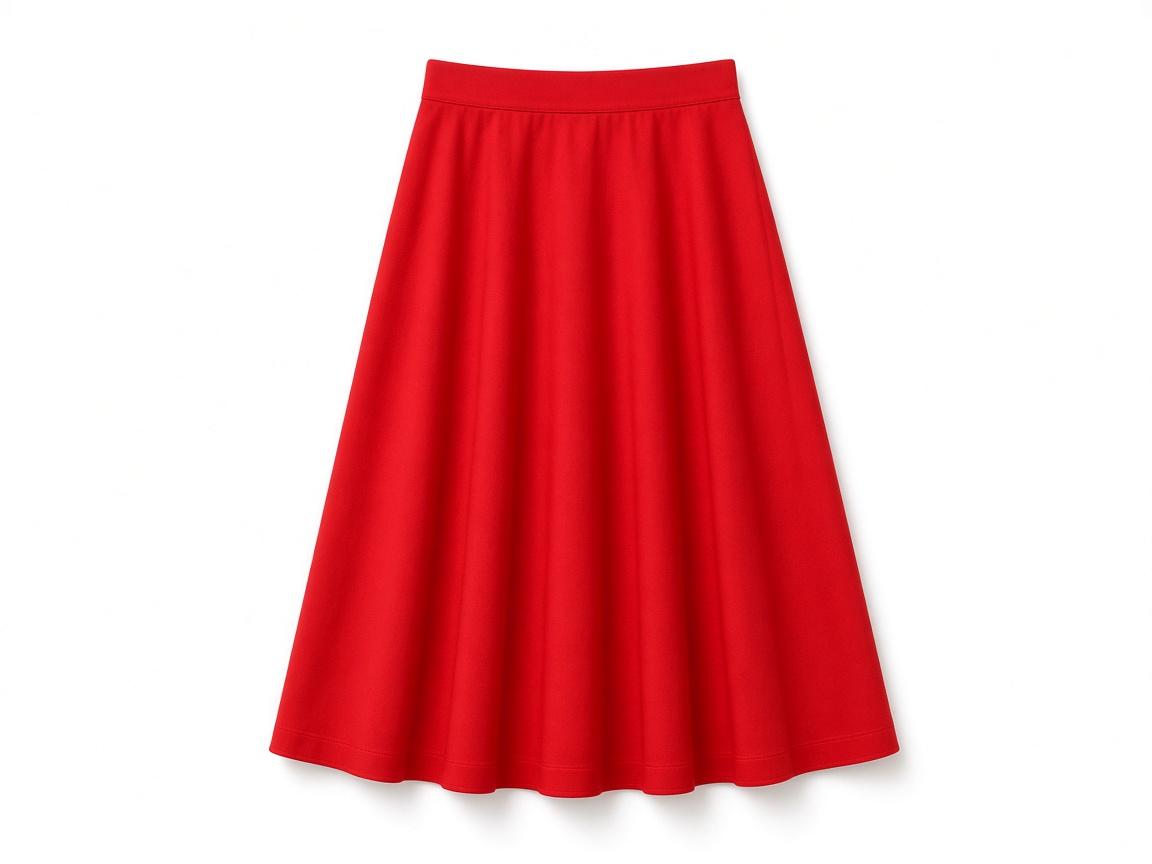
Do you have this skirt in a large, and a top that goes with it?
2:04
I'll check the catalog for a large skirt and a top that goes with it.
2:04
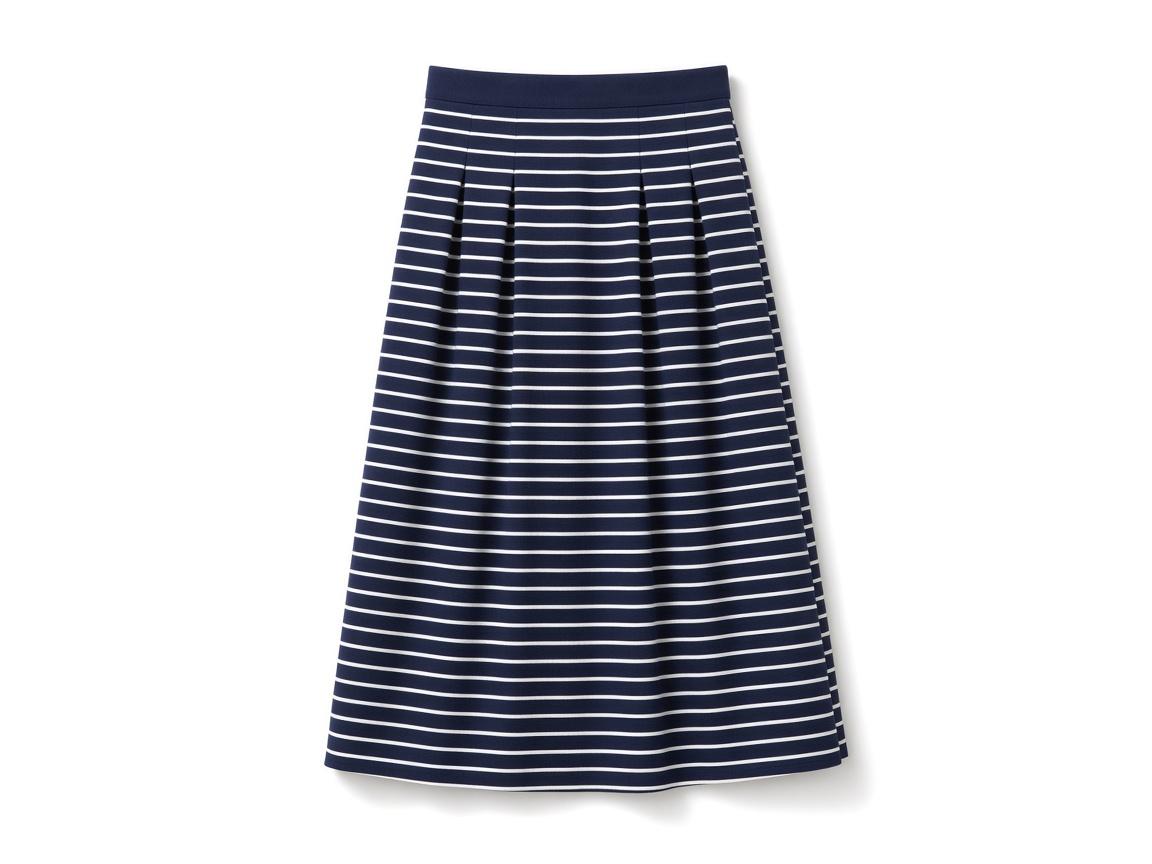
The red skirt in your photo is out of stock in a large. This striped skirt, large, is in stock at $28.
2:05
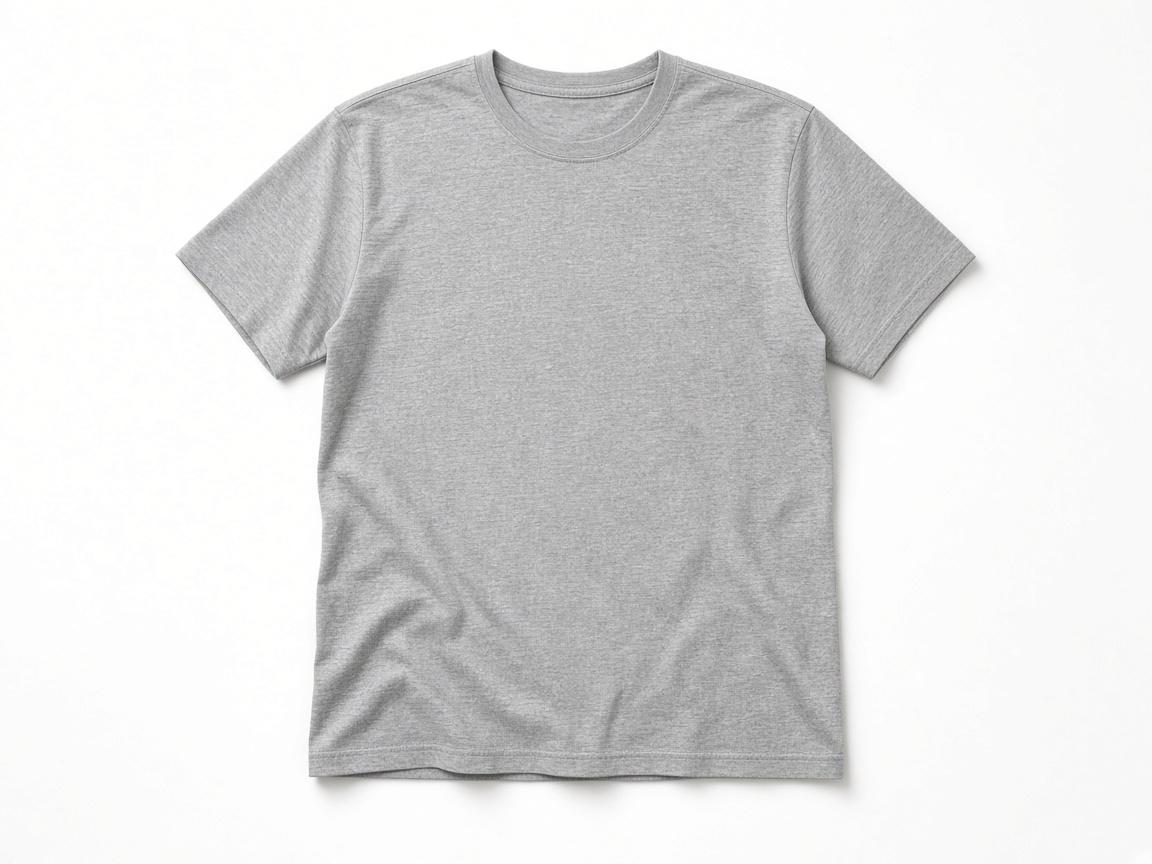
Cotton top, large, heather gray, in stock at $24. The catalog lists it with that skirt.
2:05
I'll take the skirt and the top, both large.
2:06
Both large. Checkout is the link on those two catalog rows.
2:06
A customer asks how another brand's size compares, whether a jacket is in stock, and if a long dress can be exchanged.
Elm Apparel
online
Today
I wear a medium in another brand. What size is the navy pant here? Is the jacket in stock in black?
11:20
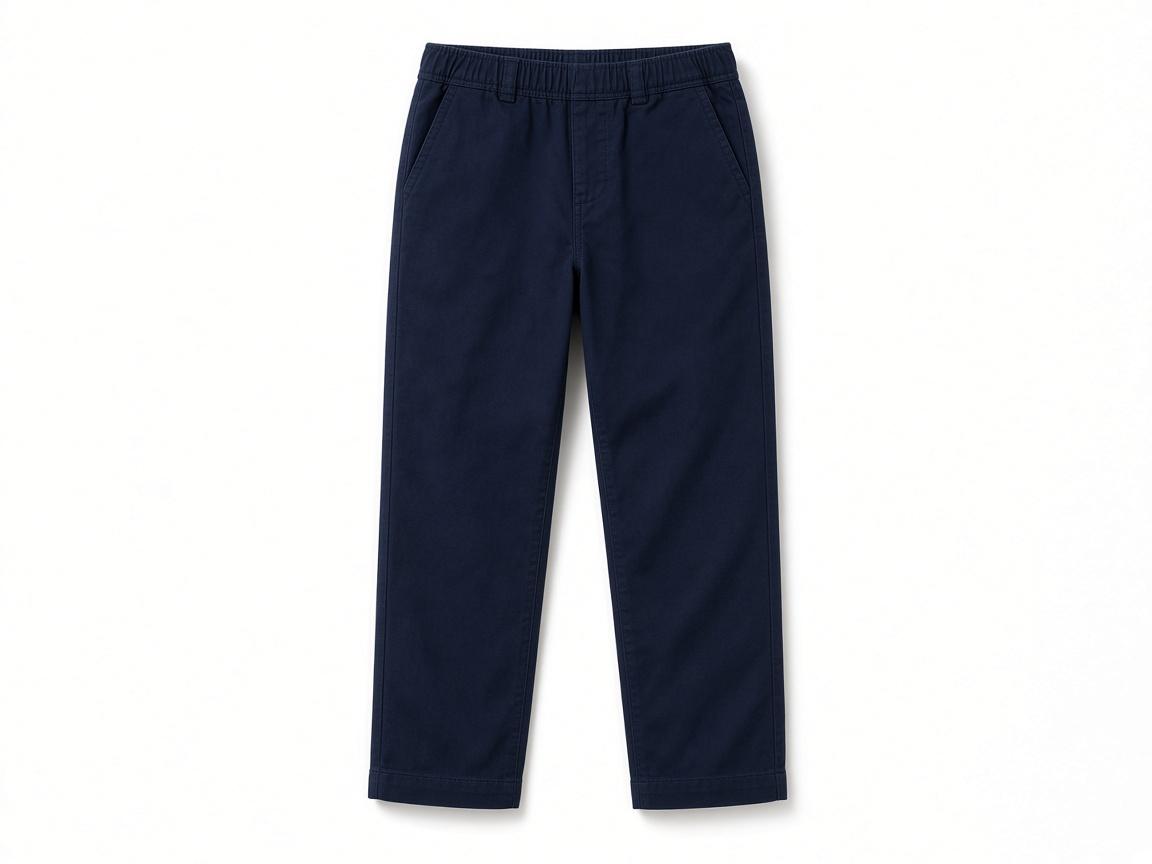
The notes for this brand put that medium at a large here. I am not treating their medium as our medium. Navy pants, large, in stock at $32.
11:20
The black jacket, large, is in stock at $68. I have not added it.
11:21
The large dress I bought is long. Can I exchange it for a medium? And I'll take the pants.
11:22
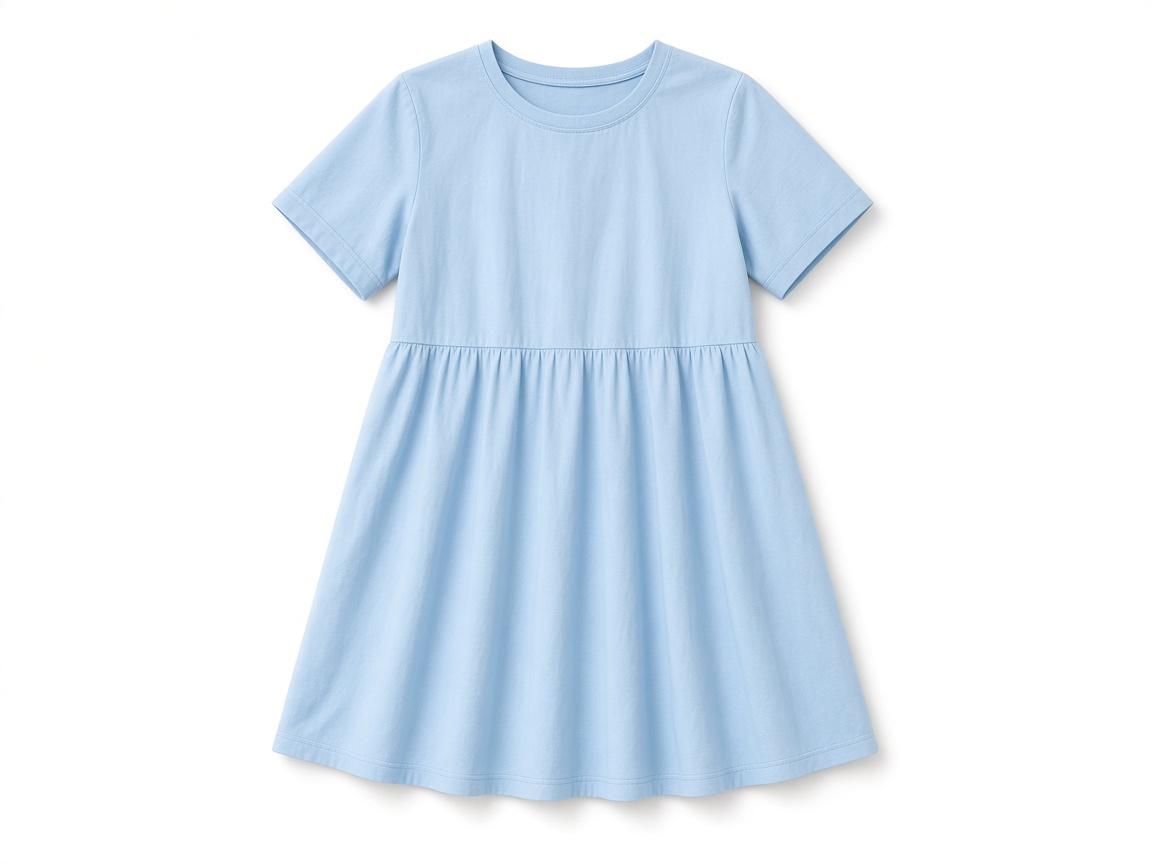
The return notes allow an exchange within 30 days if the tags are still on. The dress in a medium is in stock. The exchange goes to the staff to confirm. Checkout for the large pants is the link on that row. I have not added the dress or the jacket.
11:22
Photos in the chat: Chattif
Pricing
Monthly service and usage are separate.
$1,500
setup per channel
For straightforward needs such as answering common questions and processing orders.
Custom quote
Pricing depends on the tasks the AI handles, how requests are routed between departments, the number of locations, and the complexity of your operations.
A channel is WhatsApp, text messages (SMS), email, or phone. Routing means directing requests to the right teams.
$100/month
Up to 75 customers answered a month, every message included.
Request a demoSign upMost popular
$250/month
Up to 200 customers answered a month, every message included.
Request a demoSign up
$500/month
Up to 500 customers answered a month, every message included.
Request a demoSign upAn active chat is one customer conversation in a month. Every message in that chat that month is included. If the customer comes back in a later month, it counts as one new active chat that month.
Packs are billed monthly.
Early-access trial pricing.
* Extra chats beyond your pack are charged as overage.
FAQ
Yes. You connect the store's own WhatsApp Business number. Customers message the store, not a shared Chattif line.
A general chatbot like ChatGPT can answer from public pages, such as a store website. Chattif reads this store's size chart and catalog, sends the garment photos you provided, and shares the checkout link on the row. That is the step the public page does not have.
From the size chart the store entered. A customer can say the current size is tight. Chattif names the size that chart lists. It does not invent a size, and it does not treat another brand's size as this store's unless your notes say so.
Yes. They can send a photo of a top, pants, a skirt, a dress, or a jacket. Chattif replies with the product photos you provided for the matching garments. The photos are the clothes.
It builds the list from the catalog, confirms the size and the color, and sends the checkout link stored on those rows. When the store uses Shopify, that link is the Shopify checkout. The customer pays on the store's own checkout.
Chattif repeats the return notes the store entered, including the window and whether tags must still be on. An exchange the notes do not clearly allow goes to the staff to confirm before the customer is told it is done.
It says that row is out of stock. It can show another color or size that the catalog has, and it waits for a yes before adding that one.
Yes. From the portal inbox, at any time, with the full conversation there.
WhatsApp is the customer line this page is about. Chattif also answers text messages, email, and phone calls.
Verify your email, name the business, then set up the assistant and WhatsApp.
Get started
Create an account and verify your email. Then name the business, tell us what the shop floor should handle, and connect WhatsApp.